

In 2026, the streaming landscape has undergone a radical transformation. Traditional cable is fading, and internet protocol television (IPTV) has emerged as the primary way households access live TV, global sports, and on-demand movies.
However, with thousands of providers entering the market, finding a reliable IPTV subscription that offers high-quality streaming and security can be a minefield. This guide is your definitive resource to navigating the IPTV world, maximizing your viewing experience, and protecting your digital privacy.
 Unlock a world of content with the right IPTV subscription.
💡 Key Takeaways for 2026
- Stability is King: Look for an IPTV service with 99.9% uptime and anti-freeze technology.
- Security First: Always use a VPN to protect your data from ISP throttling.
- Content Variety: Top IPTV providers now offer extensive channel lineups including 4K sports and international news.
- Cost Efficiency: A premium subscription plan should cost between $10–$25/month.
1. How Does an IPTV Subscription Work?
At its core, IPTV delivers television content using the TCP/IP protocol suite instead of traditional satellite signals. When you purchase an IPTV subscription, you are essentially buying access to a server that streams media in "packets" directly to your device.
Unlike traditional cable, which sends all signals simultaneously, IPTV only sends the stream you request. This efficiency allows for extensive channels and a more personalized viewing experience.
The 2026 Tech Stack:
- Live IPTV: Real-time broadcasts of channels like ESPN, Sky Sports, or HBO.
- VOD (Video on Demand): A massive library of movies and series.
- Electronic Program Guide (EPG): An interactive menu that allows you to see current and upcoming shows.
- Catch-Up TV: The ability to replay shows that aired in the last 7 days.
2. Are IPTV Subscriptions Legal? (The 2026 Safety Audit)
One of the most common questions is: "Are IPTV subscriptions illegal?" The answer depends entirely on the provider and the licensing of the content.
Legal IPTV Services
Services like YouTube TV, Fubo, and Sling TV are 100% legal. They hold direct licenses with networks to broadcast content.
- Pros: Guaranteed safety, high-quality 4K, no VPN required.
- Cons: Higher price point, limited to regional content.
Unverified/Third-Party IPTV Services
These providers offer extensive channel lineups for a low fee. While popular, they often operate in a legal gray area or are outright unlicensed.
Safety Tip: If you choose a third-party provider, you must use a secure, encrypted connection (VPN) and avoid services that ask for "lifetime" payments.
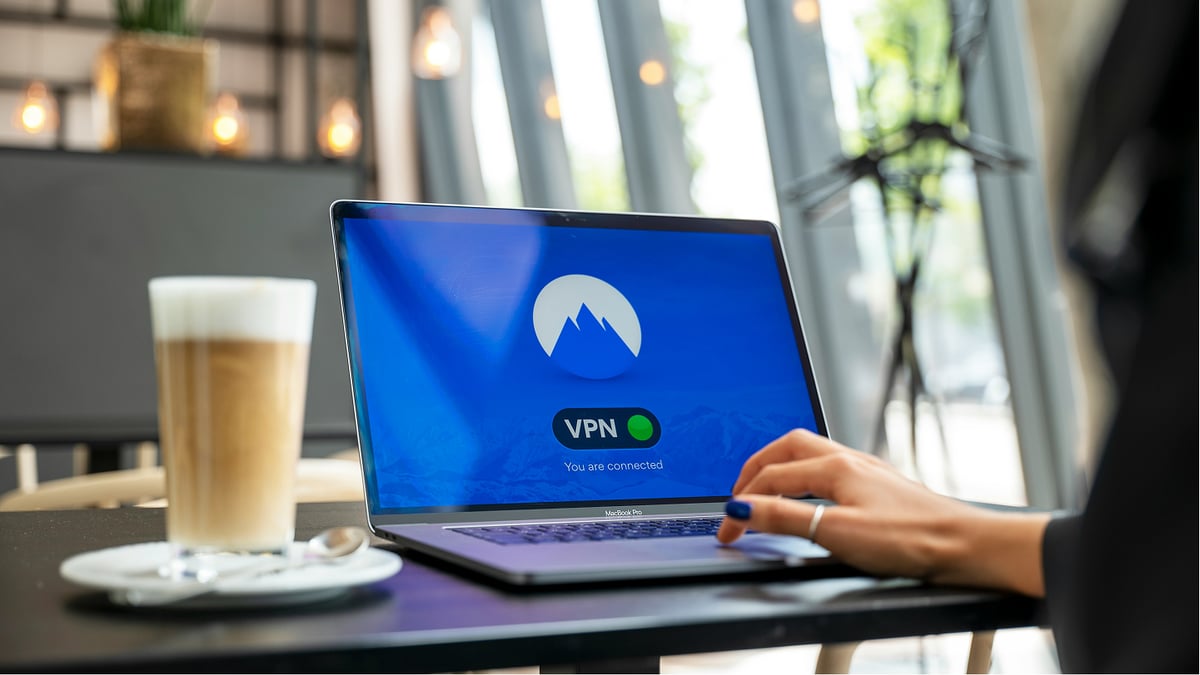 Ensure your streaming is secure and private with a VPN.
3. Top IPTV Service Providers in 2026: Reviews & Comparison
Based on extensive market analysis, here are the top-rated providers currently dominating the 2026 market.
| Provider | Channels | VOD Library | Key Strength | Avg. Price |
|---|---|---|---|---|
| Xtreme HD IPTV | 20,000+ | 60,000+ | Best Overall Stability | $15/mo |
| Atlas PRO ONTV | 15,000+ | 40,000+ | Best for European Content | $12/mo |
| Falcon IPTV | 12,000+ | 30,000+ | Top Sports Coverage | $18/mo |
| Apollo Group TV | 10,000+ | 80,000+ | Largest Movie Library | $20/mo |
4. How to Buy and Set Up Your IPTV Subscription
Buying an IPTV subscription is now easier than ever. Follow these steps to go from zero to streaming in under 15 minutes:
Step 1: Choose Your Provider
Look for a provider that offers a 24-hour free trial. This allows you to test their "Anti-Freeze" technology during peak hours.
Step 2: Receive Your Credentials
After payment, you will receive an email containing:
- M3U URL: A link to your channel list.
- Xtream Codes: Your Username, Password, and Server URL.
Step 3: Install a Player App
For the best experience in 2026, we recommend IPTV Smarters or TiviMate. These apps provide a user friendly interface that mirrors the look of high-end cable boxes.
5. Hardware Requirements and Device Compatibility
You don't need an expensive box to watch IPTV. Modern services offer wide device compatibility across various platforms:
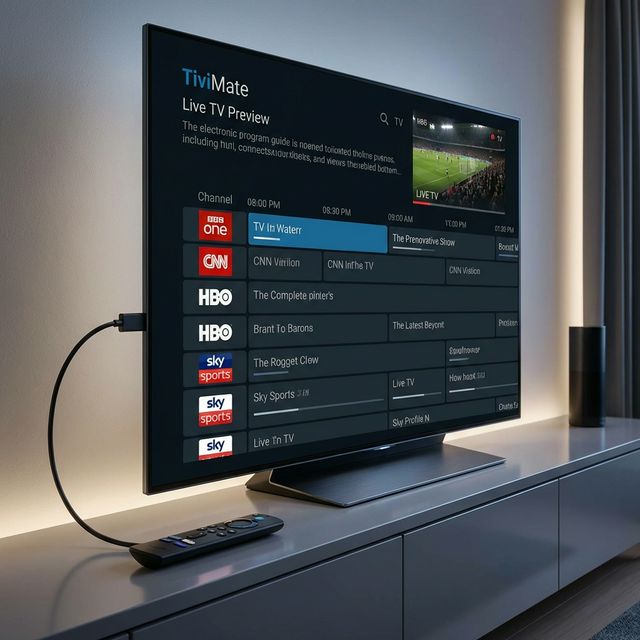 Modern IPTV setups are sleek and compatible with devices like the Firestick 4K Max.
- Amazon Firestick 4K Max: The most popular choice for IPTV for Firestick due to its low cost and power.
- Nvidia Shield Pro: The choice for power users who want 4K HDR and zero lag.
- Smart TVs: Samsung and LG TVs now support apps like IBO Player directly, allowing for a "no box" setup.
6. Competitive Pricing: What Should You Pay?
In 2026, competitive pricing is fierce. The "Sweet Spot" for a premium service is $10 to $25 per month.
- Standard Plan: $15/mo for 1 connection.
- Family Plan: $25/mo for 3-5 simultaneous connections.
Red Flag: Avoid "Lifetime Subscriptions" for $50. No legitimate server can sustain its costs forever on a one-time fee. These services usually disappear within months.
7. Common IPTV Problems & How to Fix Them
Even the best IPTV service in 2026 can buffer. Usually, it's not the provider—it's your network.
- Fix 1: Use an Ethernet cable instead of Wi-Fi for high-quality streaming.
- Fix 2: Change your VPN server location to avoid ISP throttling.
- Fix 3: Clear the cache in your player app to improve the viewing experience.
8. Frequently Asked Questions (FAQ)
Q: Can I watch IPTV on multiple devices? A: Yes, if your subscription plan supports multiple connections.
Q: Do I need high-speed internet? A: You need at least 25 Mbps for stable 4K streaming.
Q: Does it offer local sports coverage? A: Yes, most premium providers include sports coverage for local, national, and international leagues.
Final Verdict: Is IPTV Worth It in 2026?
Absolutely. For the cost of two cups of coffee, you gain access to a global content variety that traditional cable cannot match. By choosing a reputable provider and securing your connection with a VPN, you can enjoy the ultimate home cinema experience for a fraction of the price.
Ready to start? Check out our Top 10 IPTV Comparison Guide or our Firestick Setup Tutorial to begin your cord-cutting journey today.